Android
The Android app is the main mobile Capsule client. It is built for quick send-and-receive workflows, especially when you are moving files between a phone and another device.
Screens
Section titled “Screens”Click any screenshot to open the full-size image.
Sending
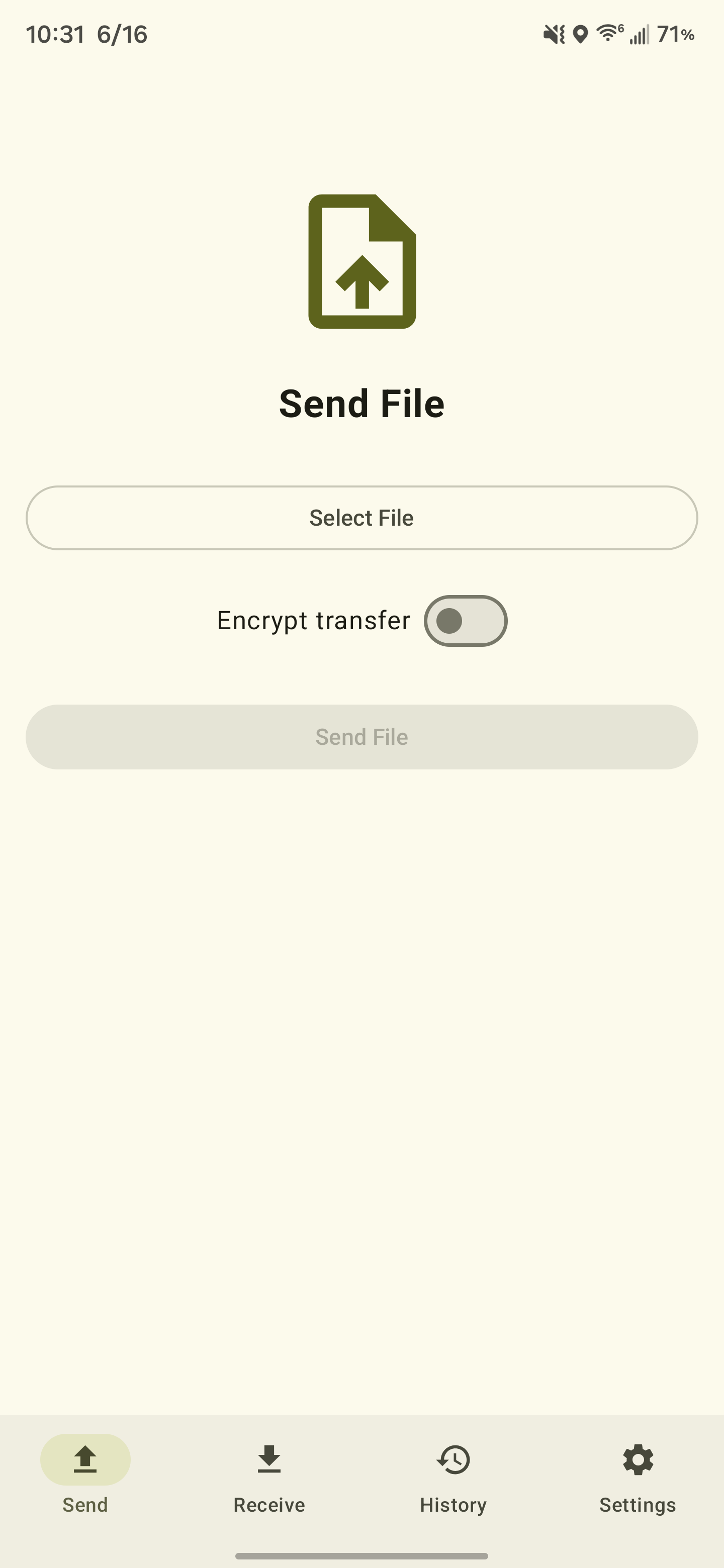
Section titled “Sending”You can upload from inside the app or share a file from another Android app directly into Capsule. After upload, the app returns the file ID and download URL so you can pass them on immediately.
The app will output a QR code for scanning once the upload is complete.
Receiving
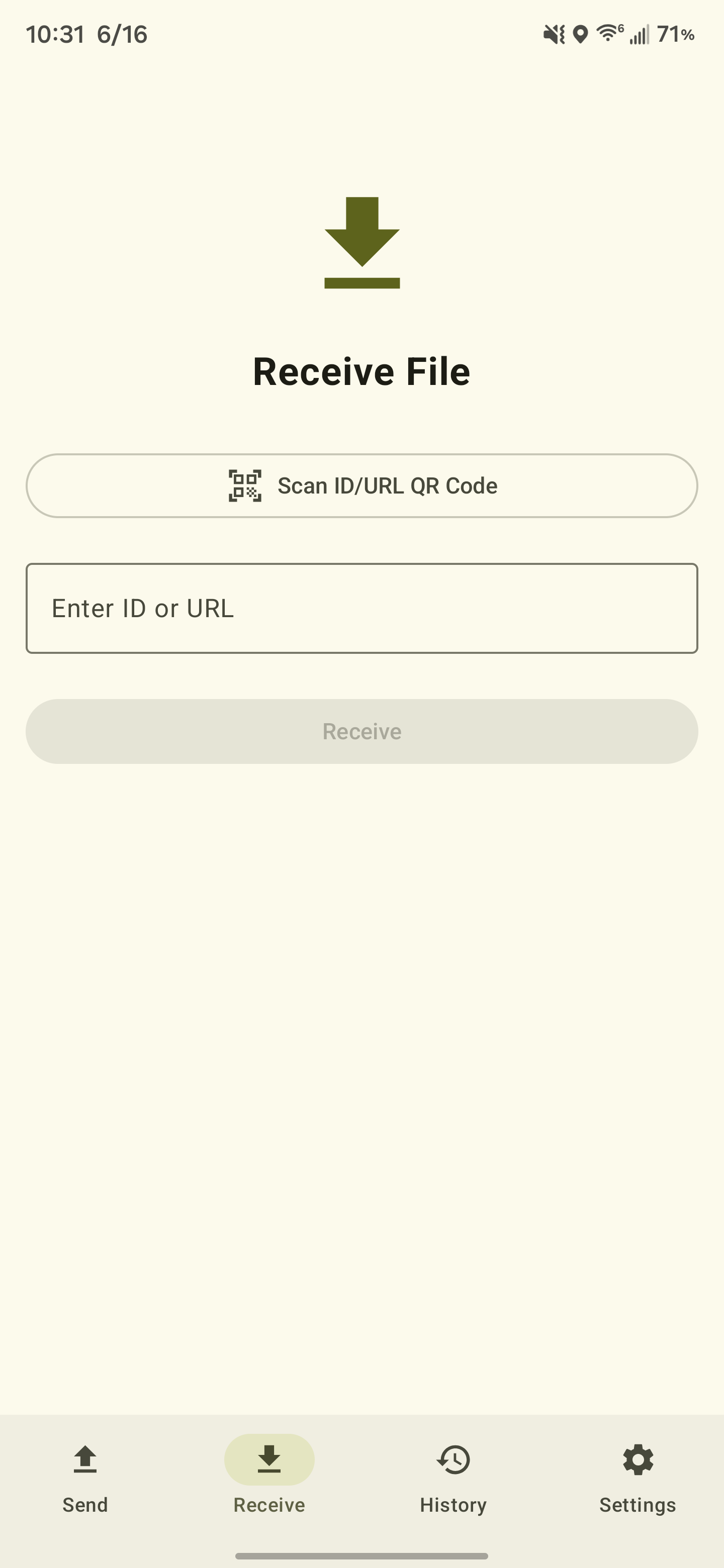
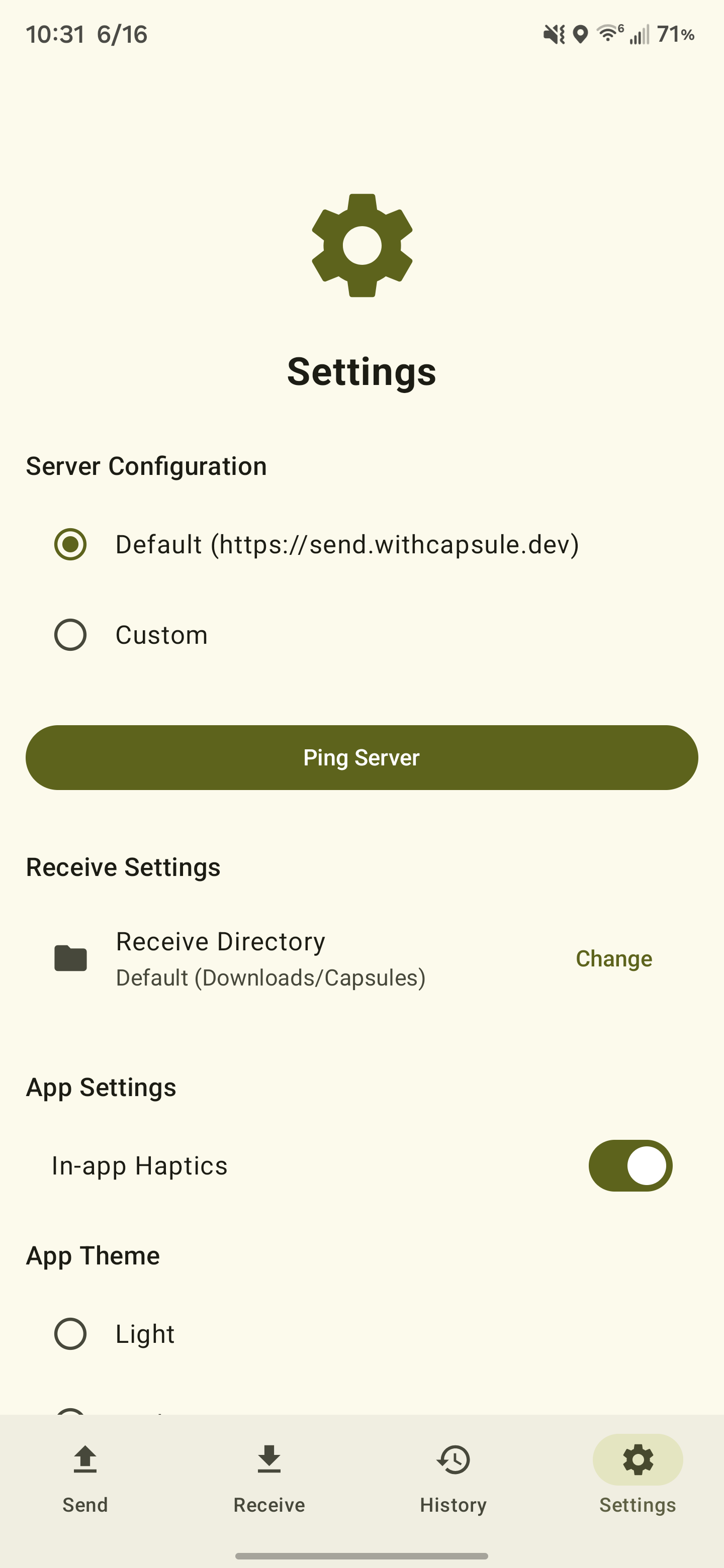
Section titled “Receiving”Paste a file ID or full download URL into the app to fetch a file. Downloads can go to the system Downloads area or to a folder you choose during setup.
The app can be used to scan a QR code containing either an ID or a link. Furthermore, since the CLI tool can output QR codes for the decryption key as well, mobile receivers can quickly decrypt files.
Encrypted transfers
Section titled “Encrypted transfers”Android supports all parts of the encrypted process:
- encrypt before upload
- detect encrypted downloads automatically (via a server-side
IsEncryptedflag) - prompt for the 12-word mnemonic before decrypting
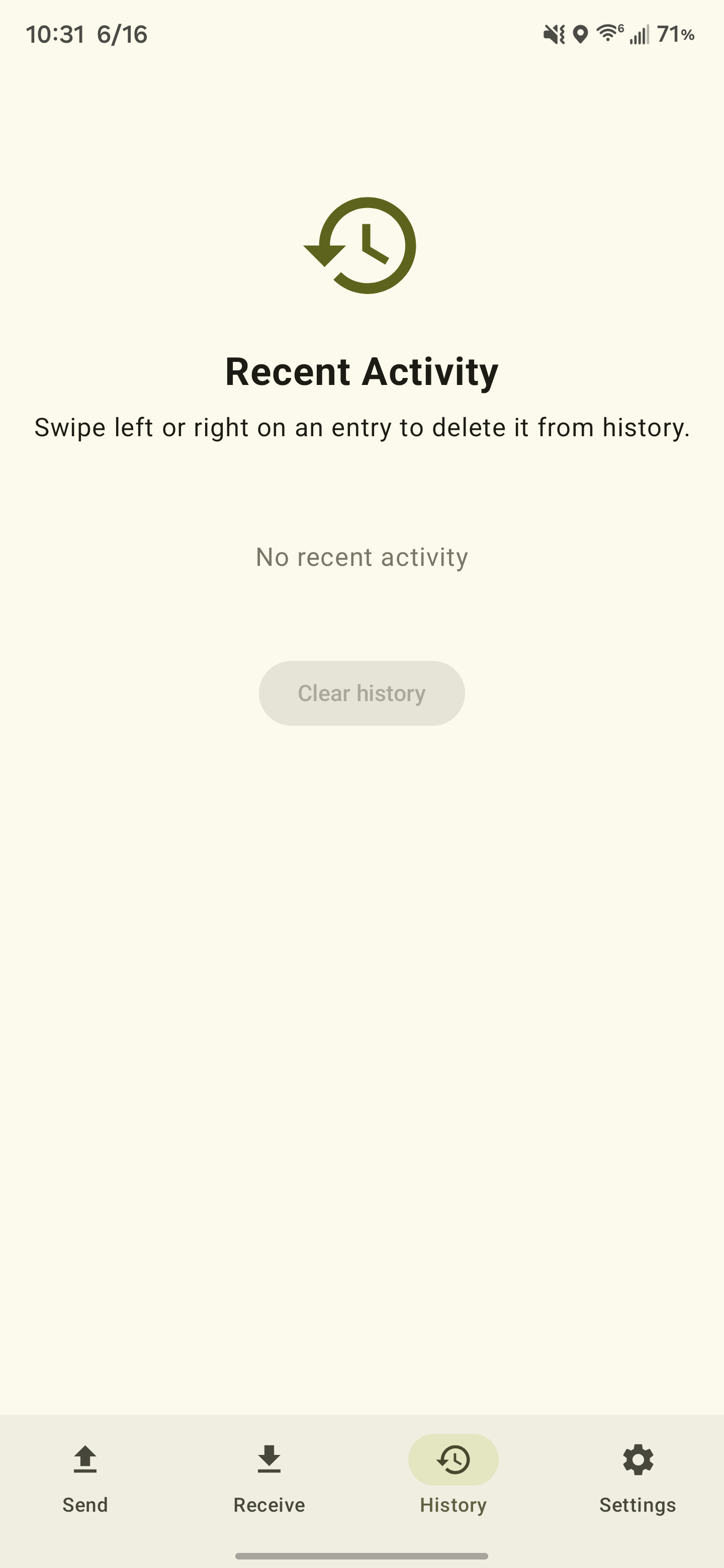
The app also includes local transfer history and custom server configuration, which makes it usable against both the hosted Capsule service and self-hosted instances.
The transfer history keeps file metadata, but not the mnemonic. If the decryption words are lost, the file is rendered unrecoverable.